Connect an inbox, choose what the AI may do, and let it sort. Here is what happens in your first week.
Connect
Gmail and Outlook use OAuth. iCloud, Yahoo, Fastmail and other IMAP accounts connect with a password, and Mailinizer looks up the server settings for you.
Choose
AI processing and automatic unsubscribe both start switched off. Turn on what you want, pick the categories you care about and when your brief arrives. Rules work either way.
First sort
Mailinizer imports your recent mail in the background and sorts it while you keep using your usual mail app, then sends a notification when your inbox is ready.
Every morning
At the hour you pick: the replies you owe, the deadlines in the next two days, and what mattered in the last 24 hours. Included with Pro, free for your first 7 days.
After that
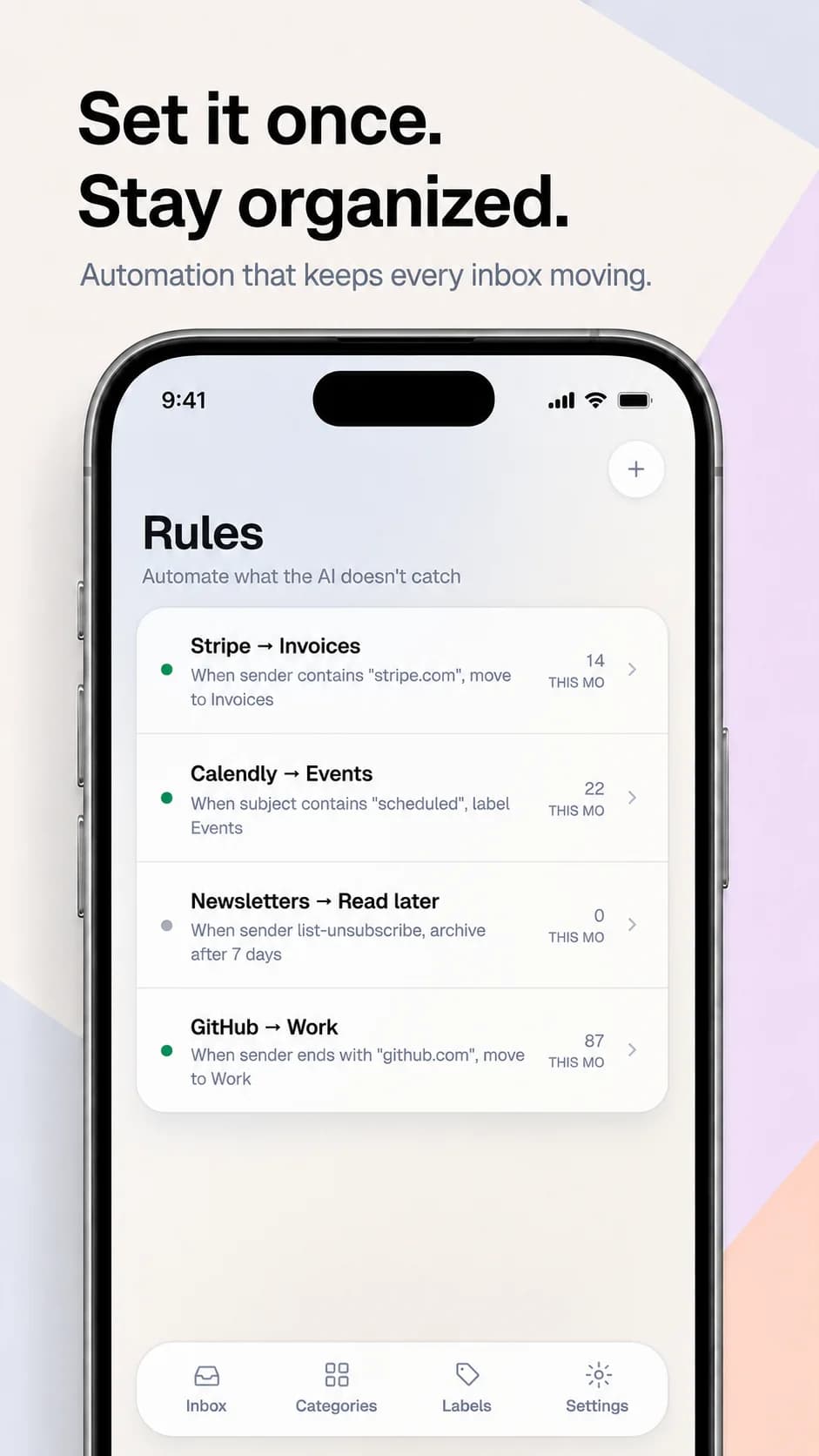
New mail is sorted as it syncs, your rules run on their own, unanswered threads show up under Waiting on, and cleanup suggestions wait in one tray for your tap.
OAuth, synced through the Gmail API.
Microsoft 365 and Hotmail, OAuth through Microsoft Graph.
Via IMAP, with an app-specific password.
Via IMAP, with an app-specific password.
Via IMAP, server settings found automatically.
Enter your address and password; Mailinizer looks up the server.
AI processing starts switched off, and your rules work without it. Switch it on and the AI provider gets the sender, subject, the opening of a message and its attachment names, for that request only and never for training.
Gmail and Outlook connect through OAuth, so we never see those passwords. iCloud, Yahoo and IMAP passwords are stored encrypted.
Categories sit on top of your mail. Moves and labels can be undone for 15 minutes. Automatic unsubscribe is off by default, and when it's on, each one waits 60 seconds for you to undo it.
Mail bodies, drafts and derived data live on servers we operate at Contabo GmbH in Germany.
Full details in the privacy policy.
iPhone (iOS 15.1+) and Android 7.0+. Connect one inbox free, forever.
Free forever for one inbox.